Running an Event, Start to Finish
Before you start
Seven steps, start to finish. Two of them are worth knowing before you begin, because they remove most of the anxiety:
- Almost nothing has to be decided up front. Rounds, courses, formats and groups can all be added or changed while the event is running. You are not filling in a form that locks.
- Only you need Premium. Everyone you invite scores and follows along for free, with no account and no app to install.
1. Create the event
+ New → Tournament. The first screen leads with templates, because most organisers should never have to think about scoring settings at all. Pick the one that matches what you are running:
- Points per round — a trip or a series. Each round awards points by finishing position, so one bad day costs you places rather than the event.
- Cumulative totals — every round's score added up. The traditional multi-day medal.
- Team match play — two sides meeting in matches, Ryder Cup style.
- Qualify, then knockout — a qualifier that becomes a bracket. Pre-builds the stages for you.
Separately, choose Individual or Teams. That question is deliberately independent of the template: a team's score is the sum of its members' contributions, whatever those contributions are.
2. Enter the field once
Type names if you must, but do not. Two faster ways sit above the rows:
- Paste a list. Names one per line, handicaps after a comma or a space —
Duncan 4,Vaughan, 5. Paste from your phone's notes, from a group chat, from a spreadsheet column. - Import a past event. If you run the same trip every year, take last year's field and edit the differences. The list only offers events of the same shape, so an import can never half-fit.
Entrants belong to the event, not to a round. Enter someone once and they are in every round they play, carrying their handicap with them.
3. Add rounds as you go
A round is a day, a session, or a course. It carries its own format, its own scoring, its own date — so Saturday can be Stableford and Sunday can be Match Play in the same event.
You do not need them all up front. Most organisers add round one during setup and the rest the night before each day, which is also when they actually know who has turned up.
What a round contributes to the leaderboard — finishing points, its raw score, match points — is a per-round setting that defaults to the event's. How rounds become standings →
4. Make the draw
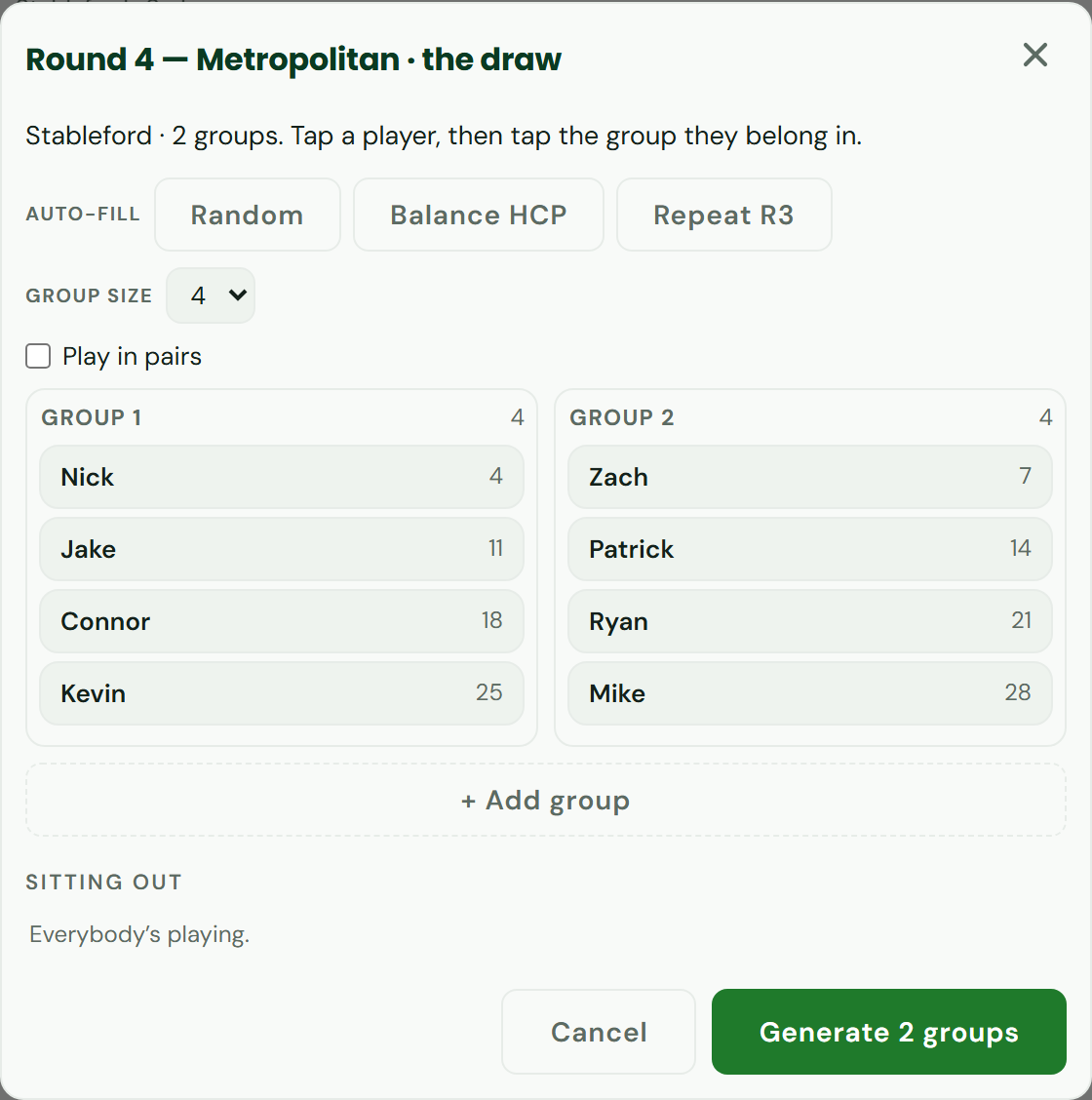
The draw splits the field into groups and generates a scorecard for each one. Sixteen players in fours is four boards, each with its own scoring link, all feeding one leaderboard.
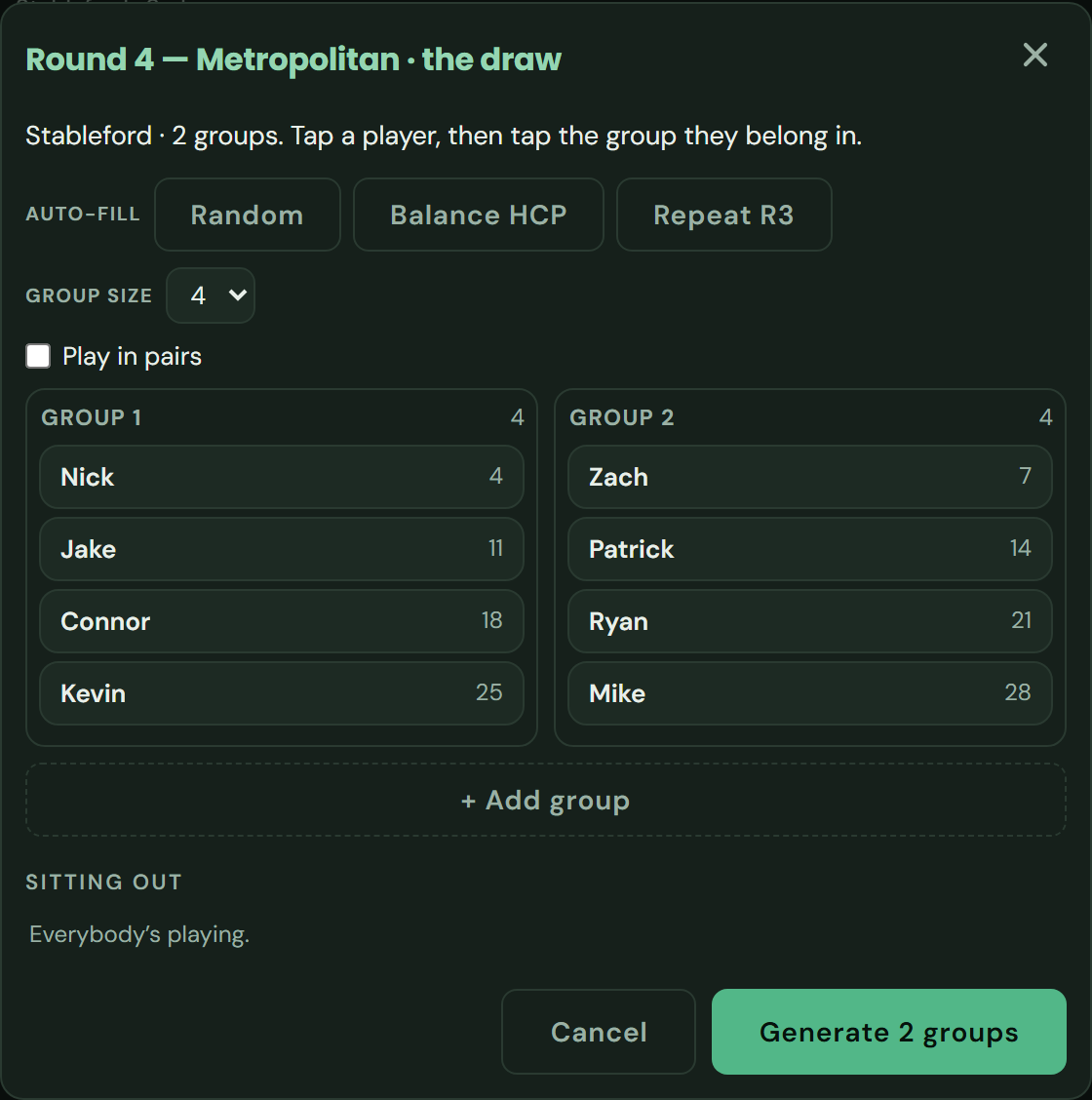
It is built for the first tee, on a phone, in wind. So it is tap a player, then tap the group they belong in — never drag-and-drop, which is unusable at that size. Auto-fill offers Random, Balance HCP, or Repeat a previous round's groups.
Three things it does that save an argument later:
- The button says what it is about to do. Not “Save” but Generate 2 groups, Add 2 players, Apply — 1 group changes. You can see what you are about to do before you do it.
- Players with scores already in are locked and marked, so you cannot silently destroy a card that is halfway round. Moving one anyway takes two taps and tells you exactly how many holes it deletes.
- Anyone not in a group is sitting out — they stay on screen in their own row, so nobody is forgotten. An odd number of players is a normal thing that happens.
Playing in pairs? Turn on Play in pairs and pair within each group; a pair then moves as one thing. For match play the draw becomes a fixture list instead: choose how many a side, and Match them up draws it.
5. Send one link
Share the event link in the group chat. Everyone can follow the standings from it, and nobody needs an account.
Scoring is separate on purpose: by default the event link lets people watch, and each group scores from its own board's link. That is what makes a sixteen-player event work — one link for everybody, one scoring link per group, and no one able to edit another group's card by accident. Who can see and change what →
6. While it is running
- Scores appear as they are entered. Every phone in the event updates within a few seconds; there is nothing to refresh and nothing to submit.
- Nobody needs signal all day. Once a card is open it keeps working with no signal, and anything entered down in the trees is sent the moment the phone finds a bar again.
- Put it on the clubhouse TV. One tap turns the standings into a broadcast-style board. The big screen
- Fix things freely. Re-draw a round, correct a handicap, add a player who turned up late. A handicap changed on a round is an override for that round only, so the roster stays right.
7. Finishing
A board is signed for when its group is done, which locks it and moves the round on. When the last round is signed for, finish the event in Settings: the standings become a result, the page stops watching for new scores, and you have something to send round afterwards.
Running something that changes shape partway through — a qualifier into a knockout, a halfway cut — is what stages are for.
If it goes wrong on the day
- Somebody is scoring the wrong card. Send them their group's link again — a board's link only opens that board.
- A player did not turn up. Re-draw the round; the groups they were not in are left untouched, and the button says so before you commit.
- A card was signed for too early. An admin can reopen it.
- A number looks wrong. Open the Rules sheet. It is written from your event's own settings, so it always matches the maths actually being used.
See it for real: Sandbelt Trip
Four rounds, three days, one trophy — and a different format each day. Opens the actual app on an example event — read-only, no account.
Run your event
Build the roster once, add rounds as you go, and send one link to everyone. Only the organiser needs Premium.